
This challenge was host from The Nahamcon 2025 CTF was easy difficulty Challenge we need to obtain a flag to complete this challenge.
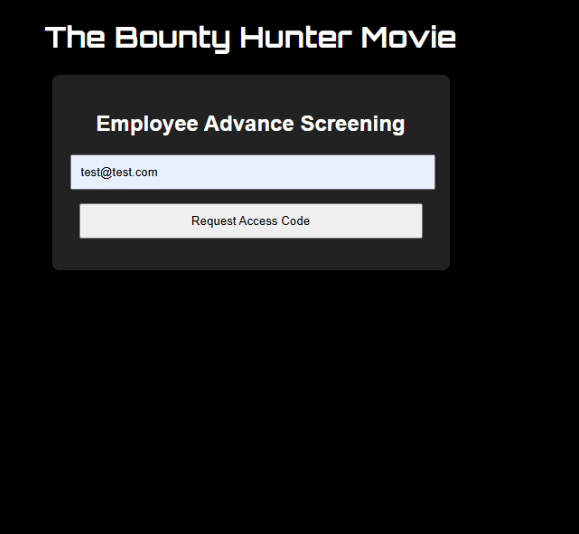
Landing Page
Notice we can sign up for an email doesn’t need to be just something to test the functionality.
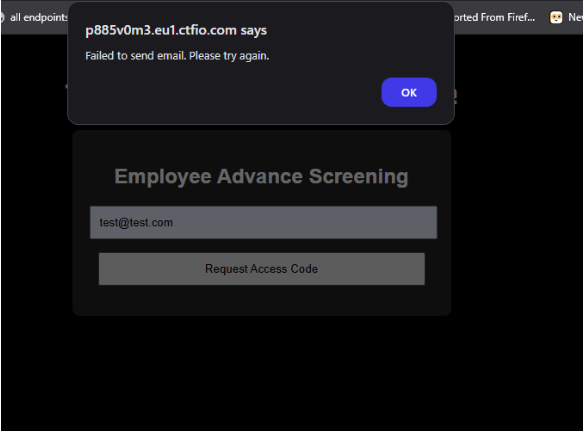
Notice the email request failed to send to the email of test@test.com but there is no error saying what email types are allowed. lets see in our proxy if there a request about the failed request for access code.
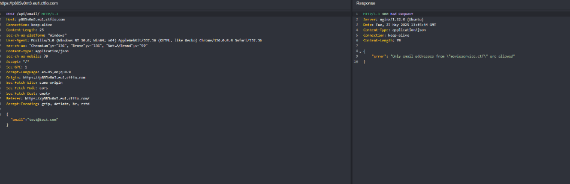
Proxy
we see that this site only allows emails with movieservice.ctf in the name
All we need to do is change the ending email location to movieservice.ctf to see what happens.
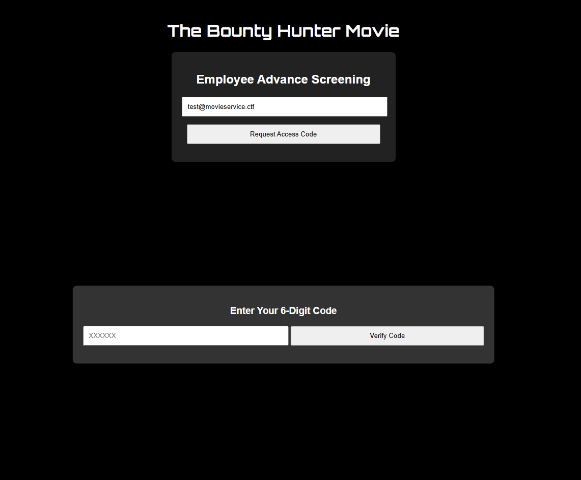
New features was added
the site accepted our new email and gave a new input field to enter your 6 digit code.
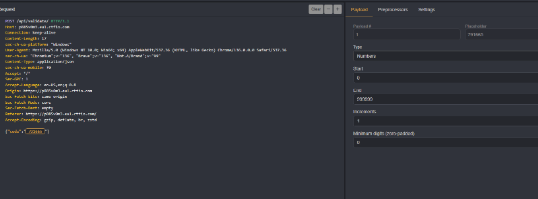
after using a random six digit code we got this request in our proxy and says it invalid. we don’t have a legitimate code or email isn’t real so we use intruder to automate this process to find a possible valid one.

This will take awhile to find a valid code because the code range is 6 digits meaning would need to start from 100,000 until 999,999 . There has to be a better way of finding the flag on this app so lets go back to the app home page.
Dev Tools is your friend
Its commonly known in The web hacking space that dev tools is best thing to use to find what is use to pull data for the website and what endpoints are valid. open your inspect by right click on your mouse or mousepad and look what this file named app.js has two unknown endpoints.
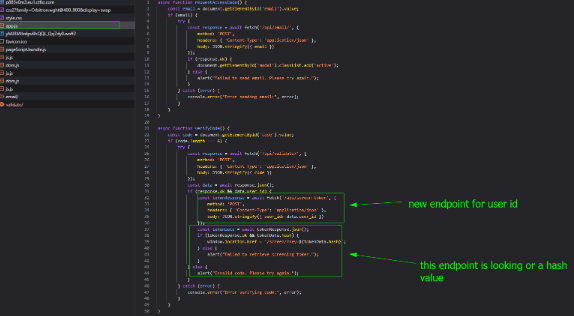
the first endpoint is validating a user id we don’t know if uuid or just numeric but also it need to be in a json string . the second endpoint is looking for a hash value. lets tackle the first endpoint.
Endpoint : /api/screen-token
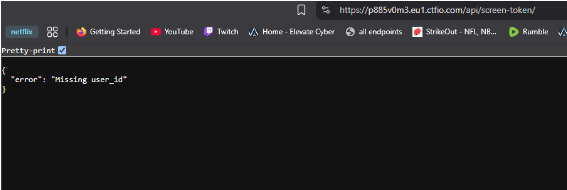
we open the endpoint on our browser see that we get this error which is show in the image. We need to add this format of json with id value to get something in return. lets switch to our proxy to see if we get a user id info.
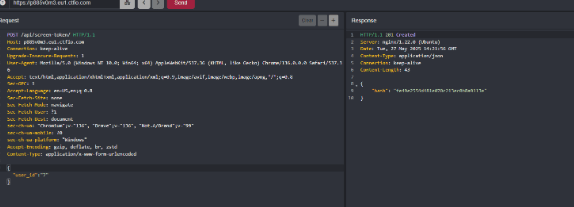
After add the json info for user id we get account is deactivated which means its existing account just disabled currently. this vulnerability leads me to be its an IDOR. we can use intruder to find valid user id but you can also does this manually if you want.
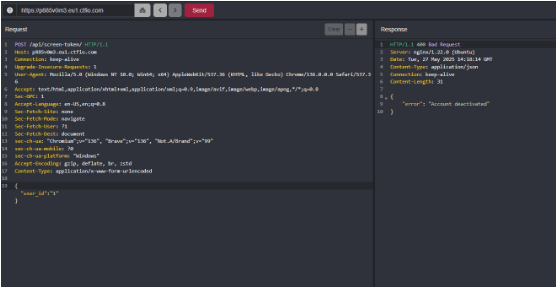
After finding entering numbers starting from one we get a id or 7 which returns a hash value. If you remember what we saw in the dev tools is there is endpoint that is looking for a hash value on the app. Lets see if the hash we now has is valid on the server.
Endpoint : /screen/?key=
After entering the hash on the screen endpoint the hash we got from the user id of 7. The server said it was valid we got the flag for this challenge. copy the flag string on screen into hub flag and submit to complete it.

Takeaways from this challenge
always pay attention to the error messages and responses you get back from the application. Always used dev tools on any application you are testing and analysis each request and files the app is using there might endpoint you might not be seeing.
This challenge was fun and I enjoy it hopefully you did too.
 c hr i s c z
Leave a comment